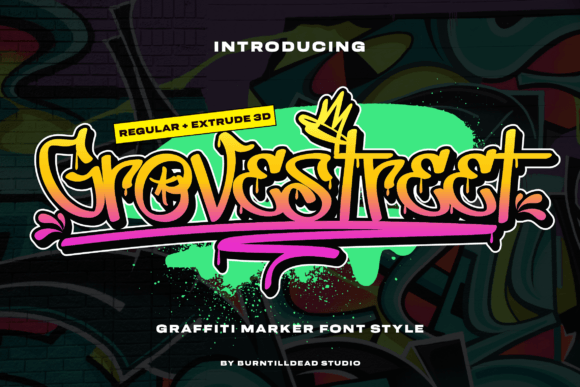
Groovestreet Font for Creative Makers
There’s something about the way Groovestreet moves across a page that feels like a fresh spray can on a blank wall. I was working on a batch of candle labels when I first tried it out, and it immediately gave my designs a bold, edgy personality that felt right at home with my handmade products.
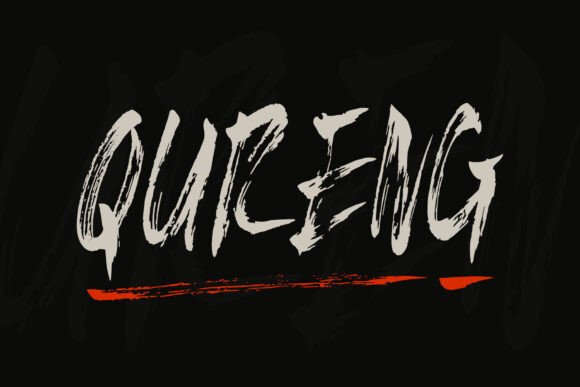
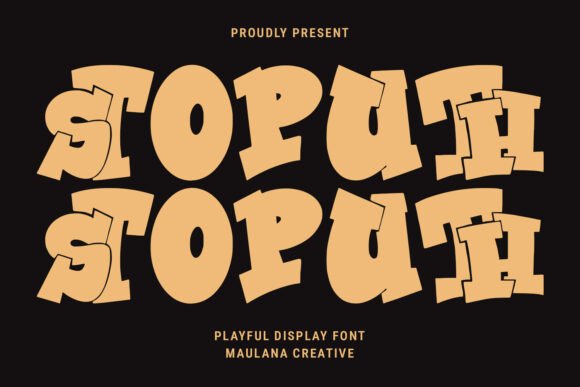
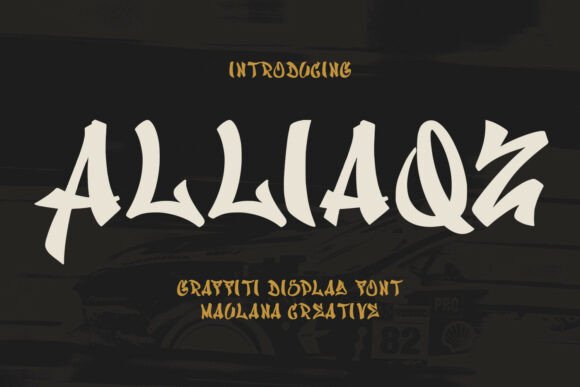
Designed as a graffiti font style, Groovestreet captures the energy of street art with dripping ink details and playful alternates. It’s not just a font—it’s a vibe. The irregular shapes and dynamic flow make it perfect for anything that needs to stand out without being too formal.
Using Groovestreet in Handmade Projects
One of the first things I noticed was how well Groovestreet works on small surfaces. Whether I’m printing stickers or labeling mugs, the font retains its character without looking cluttered. I’ve used it on birthday invitations, farmhouse signs, and even wedding welcome boards, and each time it adds a unique touch that feels authentic.
I also love how it pairs with simpler fonts. For example, when designing printable wall art, I’ll use Groovestreet for the headline and pair it with a clean sans serif for the body text. This contrast makes the design feel balanced while still keeping that rebellious flair.
Creating Shop Materials with Groovestreet
When I’m preparing product mockups or listing images, Groovestreet helps me communicate the style of my shop more clearly. On tote bags and shirts, it gives a bold statement that catches the eye. For packaging design, it adds a layer of personality that makes the unboxing experience more memorable.
It’s also great for seasonal projects. I’ve used it on holiday tags and custom greeting cards, where the dripping ink details add a tactile quality that feels handcrafted. Even on digital downloads, the font brings a sense of creativity that aligns with the handmade aesthetic.
Practical Tips for Using Groovestreet
If you’re using Groovestreet for cutting machines like Cricut or Silhouette, keep in mind that some of the more intricate details might need tweaking for optimal results. I usually simplify the design slightly before sending it to the machine to ensure the edges stay sharp and clear.
For printed cards or labels, test the font at different sizes to see how it looks up close. While it shines on larger text, it can be harder to read in long paragraphs. That’s why I tend to use it for short phrases, titles, or decorative elements rather than full blocks of text.
Exploring Groovestreet’s Creative Potential
What I appreciate most about Groovestreet is its versatility. It works well on both physical and digital products, making it a valuable addition to any designer’s toolkit. Whether I’m creating planner pages, boutique tags, or social media graphics, it brings a consistent yet expressive look to my work.
The alternates and ligatures in the font allow for creative variation, which is especially useful when designing custom invitations or wedding stationery. I’ve found that playing with these features helps me avoid repetition and keeps each project feeling fresh.
Considering Commercial Use and File Formats
If you're planning to sell products that use Groovestreet, make sure to check the licensing terms. Some fonts have restrictions on commercial use, so it’s important to verify that you’re compliant before finalizing your designs.
Also, consider the file formats you’ll need. If you’re creating digital printables, having access to SVG or EPS files can be helpful for scaling without losing quality. For physical merchandise, ensuring the font is properly embedded in your design software will prevent unexpected formatting issues.
Final Thoughts on Groovestreet
Groovestreet isn’t just another display font—it’s a tool that helps bring a handmade aesthetic to life. Its unique style makes it ideal for makers who want to express their creative identity through typography. Whether you’re printing labels, designing packaging, or creating digital templates, this font offers a fresh and exciting way to elevate your work.
From candle labels to seasonal signs, Groovestreet has proven itself as a reliable and stylish choice for anyone looking to add a bit of street art flair to their handmade products.